6 Common R Errors and How to Fix Them
I remember when I was just starting out with R, I was very excited and hyped but the errors in my code were so frequent that I almost gave up learning. Sometimes, I even preferred to continue in Excel knowing it will take me many more hours than just solve my code!
If that sounds familiar, you’re not alone. Most R errors come down to a handful of recurring issues.
Here are 6 of the most common ones and ofc how to avoid them.
1. Start With Well-Formatted Data
Before you write a single line of code, make sure your data is structured properly. Messy column names, merged cells, inconsistent formats, or mixed data types in a single column are a recipe for hours of debugging later. A clean, tidy dataset from the start will save you far more time than it costs you upfront.
Try to follow these rules :
one row = one statistical invidual - personne, objetc of study
one column = one variable = one information
not joint cells! from excel… please!
2. Watch Your Naming — and What You’ve Actually Run
Misspelling a function, variable, dataset, or package name is one of the most common (and most overlooked) sources of errors.
If you’re sure you spelled everything correctly but you still get “object ‘…’ not found”, check one thing first: did you actually run the code that defines it?
Here’s the key thing to remember: writing code in an R script doesn’t mean it’s been executed. Unlike the console, a script only runs when you actually click Run (or use the keyboard shortcut). Until then, R has no idea that object exists.

3. Write Your Code in a Script, Not the Console
Typing code directly into the console can feel quick and tempting, especially for one-off checks. But it’s not a great habit for real work, anything you run there isn’t saved.
A better approach: write your code in an R Script. Run it from there, and you’ll be able to save your work, rerun it later, and share it with others (including future-you, who will thank present-you).
4. Check for Missing Parentheses, Brackets, or Quotes
A tiny typo can bring your whole script to a halt. One of the most common culprits: a missing closing parenthesis ), curly brace }, square bracket ], or quotation mark. So sorry but you need to focus to detect them, normally R tries to give you a heads up, but you need to focus!
5. Learn to Read R’s Error Messages
R’s error messages can feel cryptic at first, but most of them are trying to tell you something very specific. Here’s a quick guide to the ones you’ll run into most often:
"could not find function '...'": Usually means the package isn’t loaded, or you’ve misspelled the function name. For example, typing boxsplot() instead of boxplot() will trigger exactly this error."object not found": The object you’re referencing doesn’t exist yet, or is empty. See tip #2."cannot open the connection": This usually means one of two things: R can’t find the file (often a typo in the file path), or a package failed to load because a system dependency is missing."non-numeric argument to a binary operator": You’re mixing data types in a calculation, like trying to do math with a number and a character value.
One more thing to keep in mind: R is case-sensitive. Data and data are two different objects to R — a small detail that causes a surprising number of headaches.
6. Keep Your Working Directory Organized
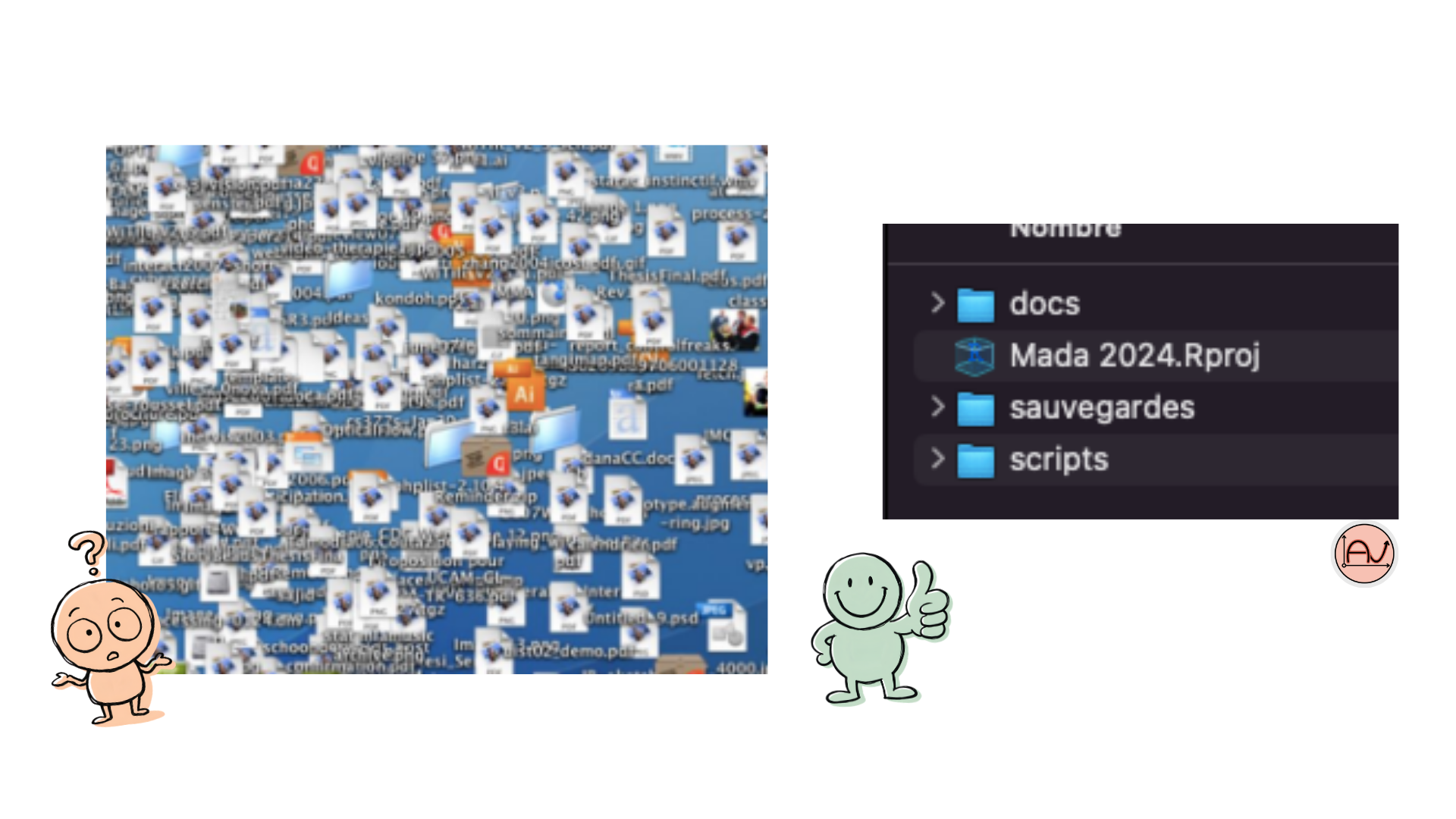
A messy working directory makes everything harder: finding files, sourcing scripts, loading data. Take the time to organize your project folder from the start — separate folders for raw data, scripts, and outputs go a long way toward avoiding “cannot open the connection” errors down the line.
Debugging is a normal part of learning R and even experienced users run into these errors regularly. The difference is knowing how to read the message and where to look.
At the end, practice is what you need to master all these ! So do not worry! The more you write your script the more you’ll learn from it!
Want personalized support to work through your own R errors and analyses? I offer training and one-on-one coaching in R and data analysis, tailored to your data and your goals.
Get in touch to plan a session!
References :
Camila Vargas Poulsen, Casey Ohara, Shayna Sura (2024), NCEAS coreR for Delta Science Program, October 2024, NCEAS Learning Hub. URL https://learning.nceas.ucsb.edu/2024-10-coreR.
Antoine Soetewey’s Stats and R blog at : https://statsandr.com/
This post was written with the help of Claude (Anthropic’s AI), based on my own original ideas and experience.